The Ultimate Job Application Tracker for Remote Nurses: Keep Your Sanity and Land That Dream Role
General Topics
Drowning in job links and cover letters? Here’s how remote nurses can track applications, follow up smart, and stand out—without losing their mind.
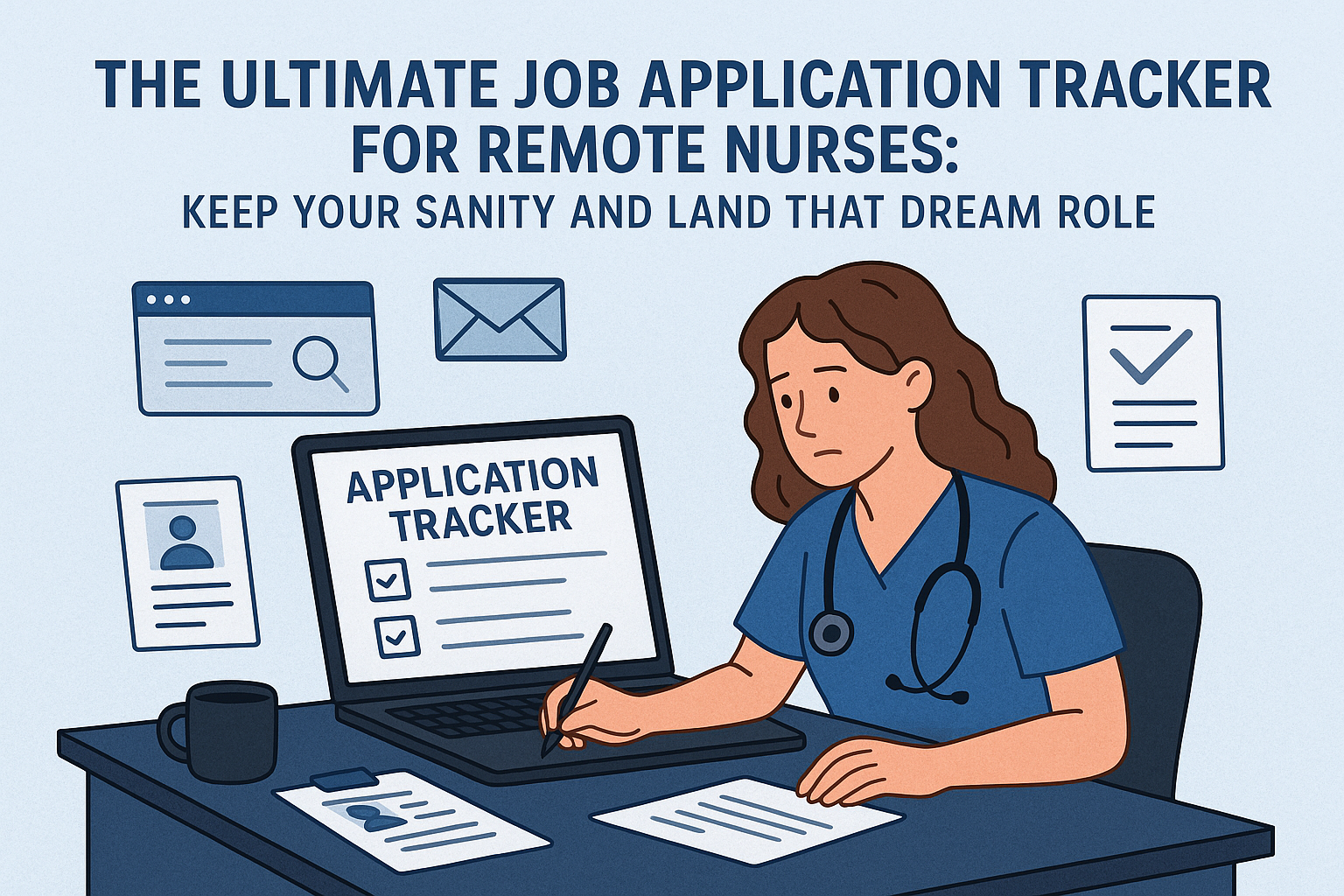
If you’ve ever applied to three (okay, ten) remote nursing jobs in a single week, you know the drill: open tabs multiplying like patient call lights, resume versions everywhere, and a sinking feeling you’ll forget to follow up on at least one application. Sound familiar? You’re definitely not alone.
A good application tracker is your new best friend. Beyond just wrangling chaos, it helps you remember which companies you actually want to hear back from, when to nudge recruiters, and which versions of your Telehealth Nurse Network-built resume you sent where. Plus, no more embarrassing moments when you get a call and can’t remember the position they’re talking about. (We’ve all been there!)
You don’t need fancy tools to get organized—but you do need a system. Here’s what top remote nurses swear by:
Your tracker should do more than just log emails. Aim to capture:
1. Batch Your Follow-Ups: Set aside a weekly coffee-fueled half-hour to follow up on all outstanding applications. Treat it like med pass—routine, efficient, done right every time.
2. Use the Telehealth Nurse Network’s AI Resume Builder: Each application is easier to track when you know which resume version you sent. The AI Resume Builder can help you personalize resumes fast—just update your tracker with the version sent.
3. Join the Community: You’ll pick up organization hacks and job leads in the Telehealth Nurse Network Facebook group from nurses who’ve been in your shoes.
Applying for remote nursing jobs shouldn’t feel like running in circles through charting. With a tracker, you’re organized, proactive, and ready to snag that sweatpants-friendly dream gig. If you haven’t grabbed the Resume Starter Pack for our downloadable tracker and templates, now’s your chance. Happy hunting—and remember, you’ve got a whole network behind you!


.svg)
.svg)
.svg)
.svg)
