How to Juggle Multiple Chats and Calls in Telehealth (Without Losing Your Mind)
Work-Life Balance & Wellbeing
Master the art of handling multiple telehealth chats and calls—smart tips for nurses ready to upgrade their remote workflow.
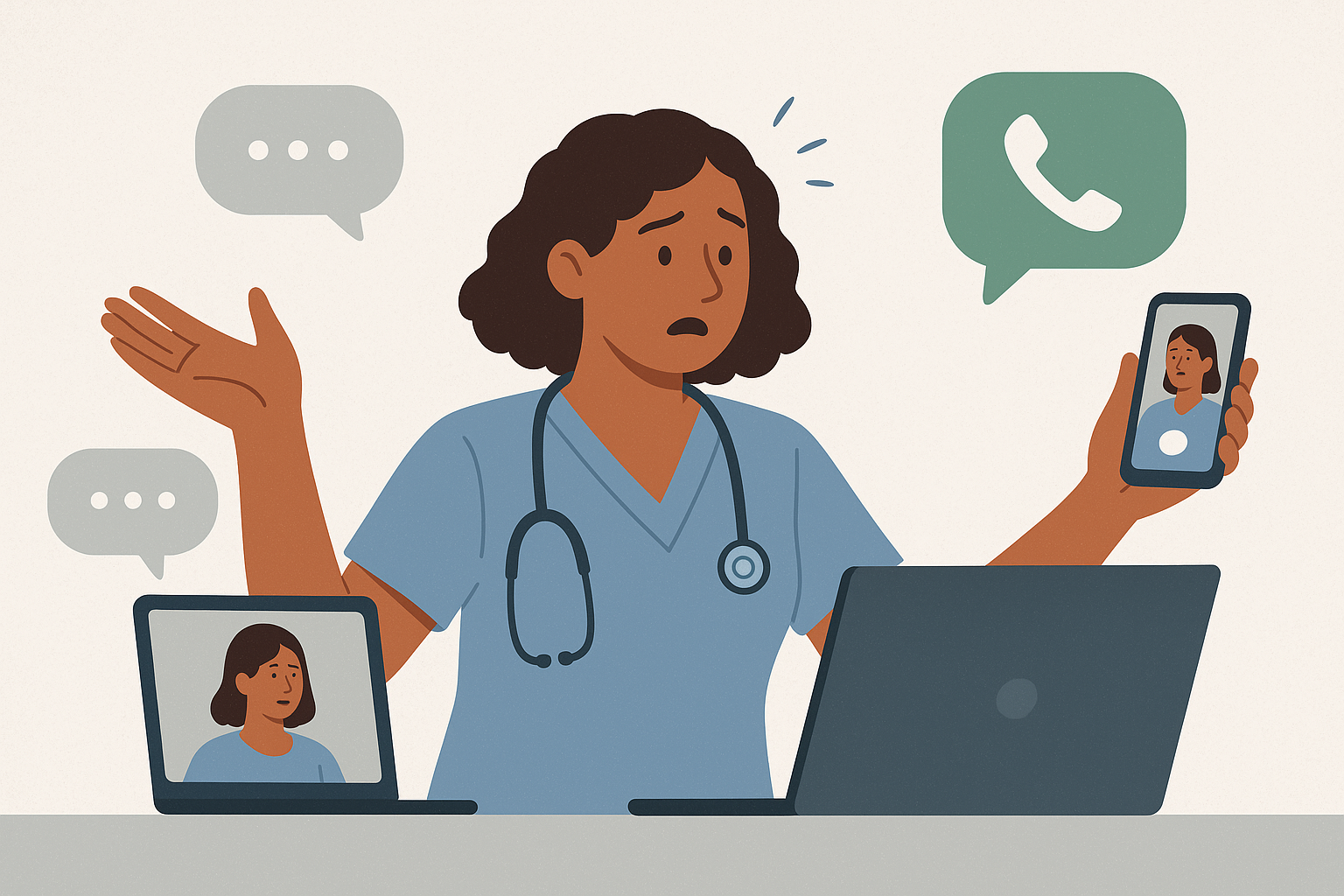
Let’s get real: Managing a flurry of chats while bouncing between video calls isn’t quite the sipping-coffee-in-pajamas fantasy remote nursing sold you. Suddenly, you’re the octopus of healthcare, fielding six conversations (and remembering who just got a rash) all before noon. It’s not easy, but you can thrive—and stop feeling like you’re in a never-ending game of whack-a-mole. Here’s how the pros manage chaos with sanity (and even a little style).
Most telehealth platforms—think Teladoc Health, MDLive, or Carena—allow you to handle several patient streams simultaneously. But just because you can doesn’t mean you have to live on the edge. The savvy nurse friend tip? Sort your chats by urgency and complexity. For example:
Some systems let you label or ‘star’ conversations. Use it! Visual cues = your new best friend.
If you’re typing “Can you clarify your symptoms for me?” for the hundredth time, it’s automation time. Most platforms offer shortcut keys, templates, or even AI tools. Save common responses, FAQs, and quick instructions to cut your cognitive clutter.
Need inspiration? With the Career Accelerator (Formerly the Telehealth Mastery Suite), you get customizable chat scripts and onboarding guides, so you’re never caught off guard again.
In face-to-face nursing, you’d never run between six rooms at once—so don’t try it virtually. If your employer (like Amwell or Baptist Health Telemedicine in some states) assigns blocks for chats vs. calls, stick to them. If not, create mini-shifts: Tackle new chats on the hour, then dedicate a window for follow-ups or calls. Communicate expected response times with patients—most can wait a few minutes if they know what to expect.
Sticky notes? Out. Dashboard alerts? In! Set up desktop notifications but keep distractions to a minimum (turn off non-patient email alerts, trust me). Use dual monitors, colored tabs, or split-screen mode to avoid tab-roulette. If your employer hasn’t offered YOU a setup budget, don’t be shy—remote nurses in our community have scored ergonomic upgrades just by asking!
Even telehealth rockstars have off days. If you drop a chat thread or fumble a call, own it, apologize, and keep moving—every nurse has been there! For extra backup, check out Telehealth Nurse Network’s job board or resume builder if you’re ready to try a new platform.
Above all, remember: It’s not about being perfect. It’s about managing the juggle with enough grace to log off (mostly) on time.
Coffee refilled? You’ve got this. Your future multitasking self will thank you.


.svg)
.svg)
.svg)
.svg)
