The Equipment Every Remote Nurse Needs at Home: Your Sweatpants-Approved Tech Checklist
Home Office Setup & Tools
Discover the must-have gear for home-based nursing success—no stuffy IT jargon, just real talk and nurse-friendly tips.
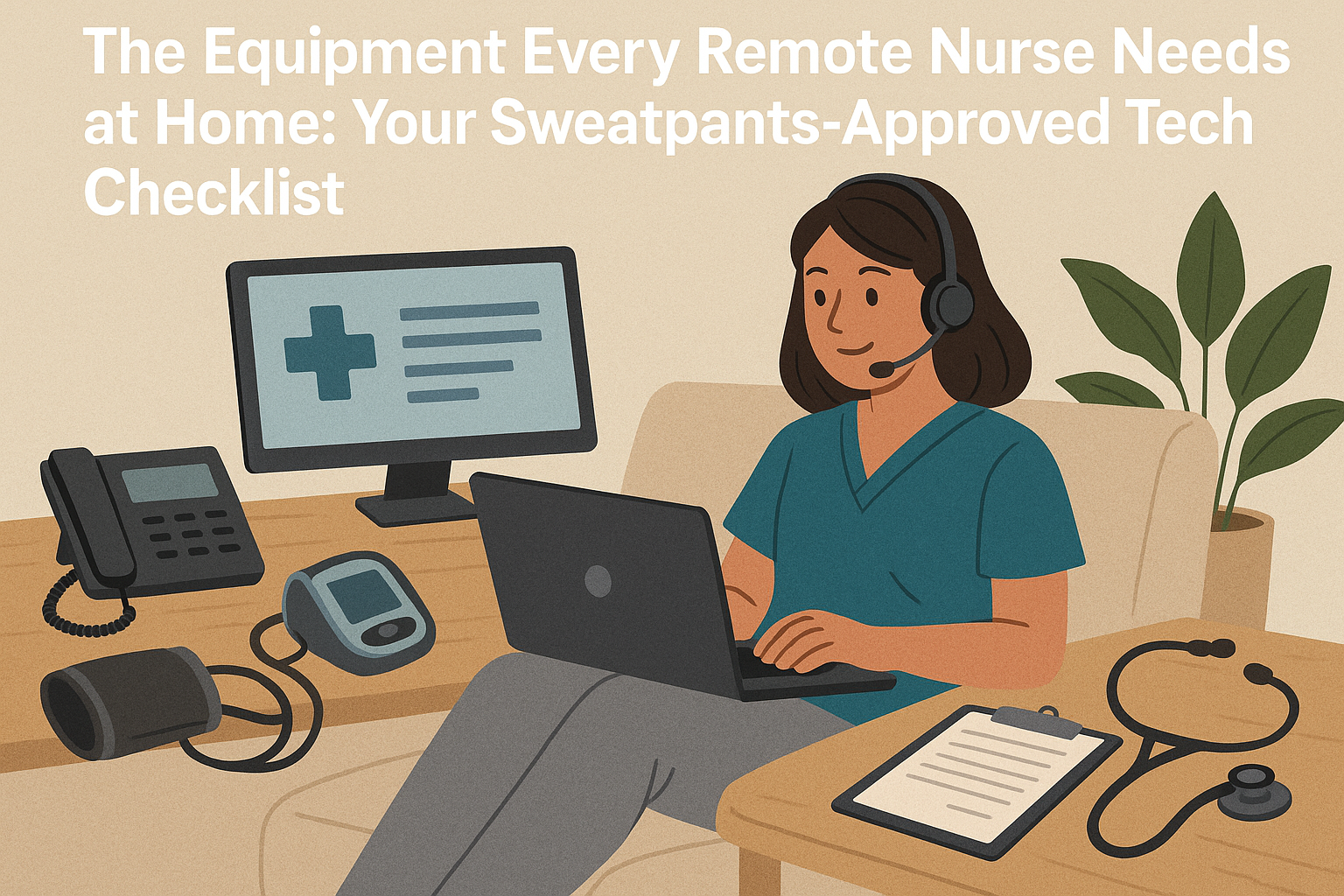
Let’s get real: remote nursing isn’t just about swapping hallway sprints for “Is this on mute?” moments. The right equipment is your lifeline—think fewer tech headaches, more time actually caring for patients (and maybe sneaking in a second coffee, guilt-free).
You’ll need a reliable, up-to-speed computer. A basic Chromebook won’t cut it. Many employers—like Ascension or UnitedHealth Group—require recent-model PCs or Macs (i5 processor, minimum 8GB RAM). Bonus points for an external monitor; your eyes (and your charting fingers) will thank you.
A strong, secure internet connection is non-negotiable. Remote jobs don’t tolerate lag—they want download speeds of at least 25 Mbps (check yours at Speedtest.net). Hot spots? Great for backup, not for daily use. And Wired Ethernet? Old-school, yes, but it’s the gold standard for call clarity and reliability.
A USB headset with a noise-cancelling mic blocks out barking dogs and partners who can’t find the milk. Plantronics Voyager is nurse-approved, but there are budget-friendly options too. Make sure it’s comfy—you’ll wear it more than your favorite sneakers.
Some telehealth employers (like Teladoc or Carenet Health, both hiring in most states) conduct patient video visits or team huddles. Your laptop cam might work, but an external webcam (HD, autofocus) looks way more professional. Ring light? Optional, but makes you look less “I rolled out of bed 30 minutes ago.”
You’ll need a quiet space for taking calls—consider a dedicated VoIP line or a work-only mobile phone. Some companies set you up (shoutout to Aetna and CVS Health), while others expect you to BYO-Device. Apps like Doximity Dialer let you mask your number with your office line, too.
If “HIPAA breach” sends chills down your spine, good news: most telehealth platforms (like Amwell or your hospital’s EHR) bring the encryption. Your job? Password-protect that laptop, use two-factor authentication, and keep patient notes off your sticky notes. Check out our Free Starter Kit for templates that highlight your tech-smarts.
No more hospital supply closets, sadly. But, ergonomic chair? Essential. Desk with room for two screens? Game-changer. Door that closes? For the love of confidentiality, yes. (See how other nurses set up their spaces in our Community group—inspiration, commiseration, all included.)
Still figuring out if your setup is up to snuff? Some companies (like Sutter Health in California or Houston Methodist in Texas) list equipment requirements right in their job postings. Or, browse real nurse feedback on our Telehealth Job Board for the inside scoop before you apply.
Tech doesn’t have to be intimidating—especially for nurses built on grit and caffeine. Download checklists, swap setup pics, ask veteran remote RNs: the Telehealth Nurse Network has your back every step of the way. Because you deserve a workspace that works as hard as you do.


.svg)
.svg)
.svg)
.svg)
